Chrome Extension
Vibe code 20x faster. Skip the typing.
Click.any element Say.what to fix Paste.into your AI
Just ClickSay it!
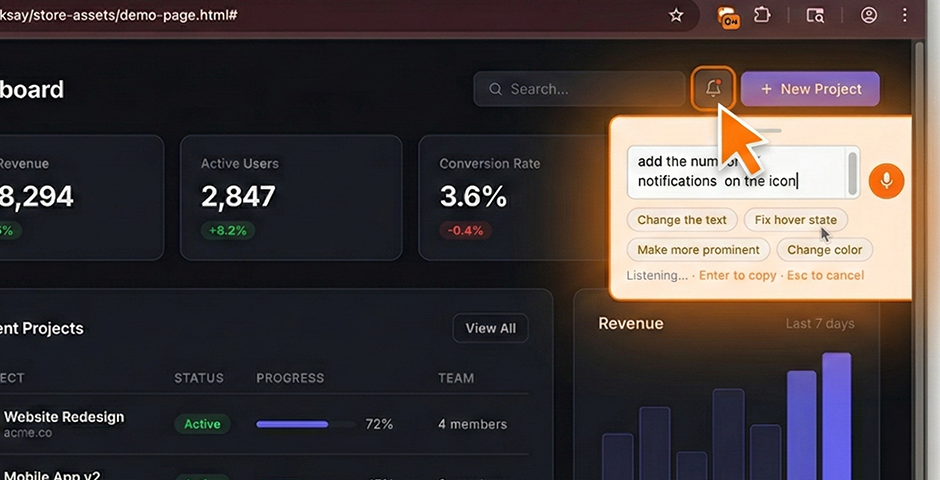
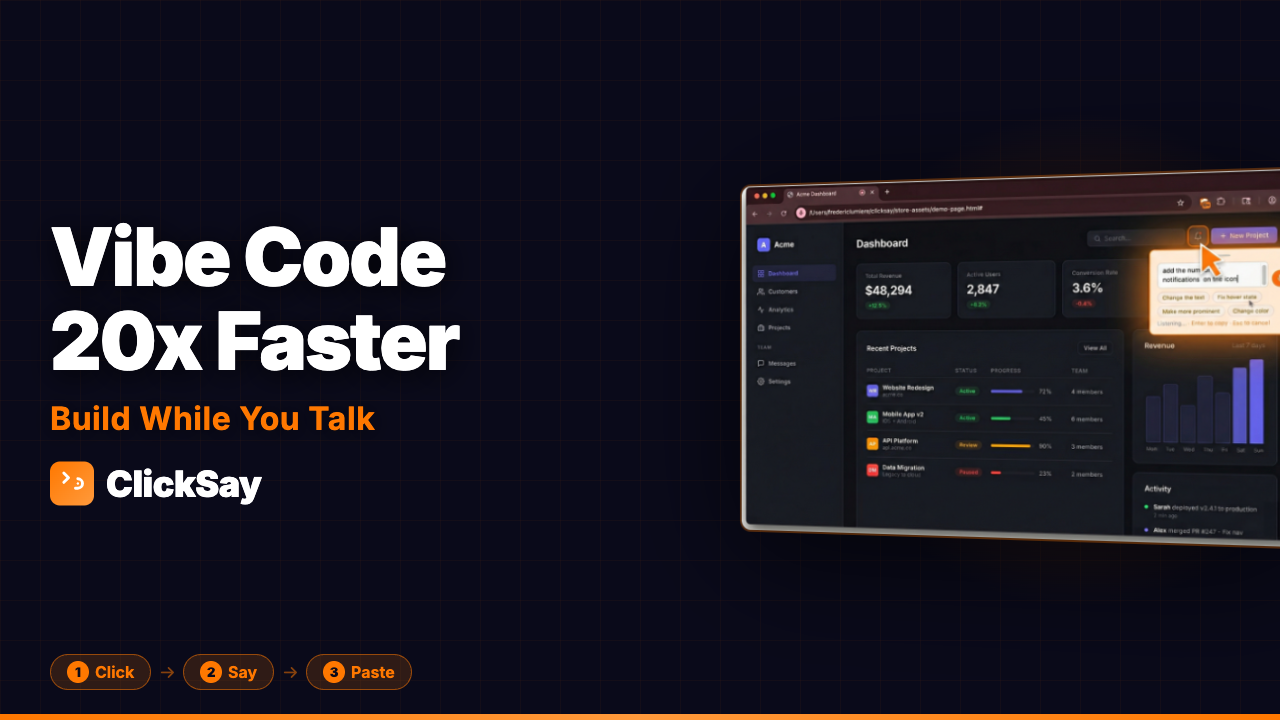
Vibe code 20x faster. Skip the typing.
Just ClickSay it!
Stop typing vague descriptions. Click the element, say what's wrong, and your AI gets the full picture.
Press Cmd+Shift+K and click anything on the page. ClickSay captures the selector, styles, HTML, screenshot, and component name.
The mic starts automatically. Say "make this bigger" or "fix the padding." Just talk - like you'd explain it to a coworker.
A structured prompt with full context lands on your clipboard. Paste into Claude Code, Codex, Cursor, Lovable, Replit, or Bolt.new. The AI knows exactly what you're talking about.
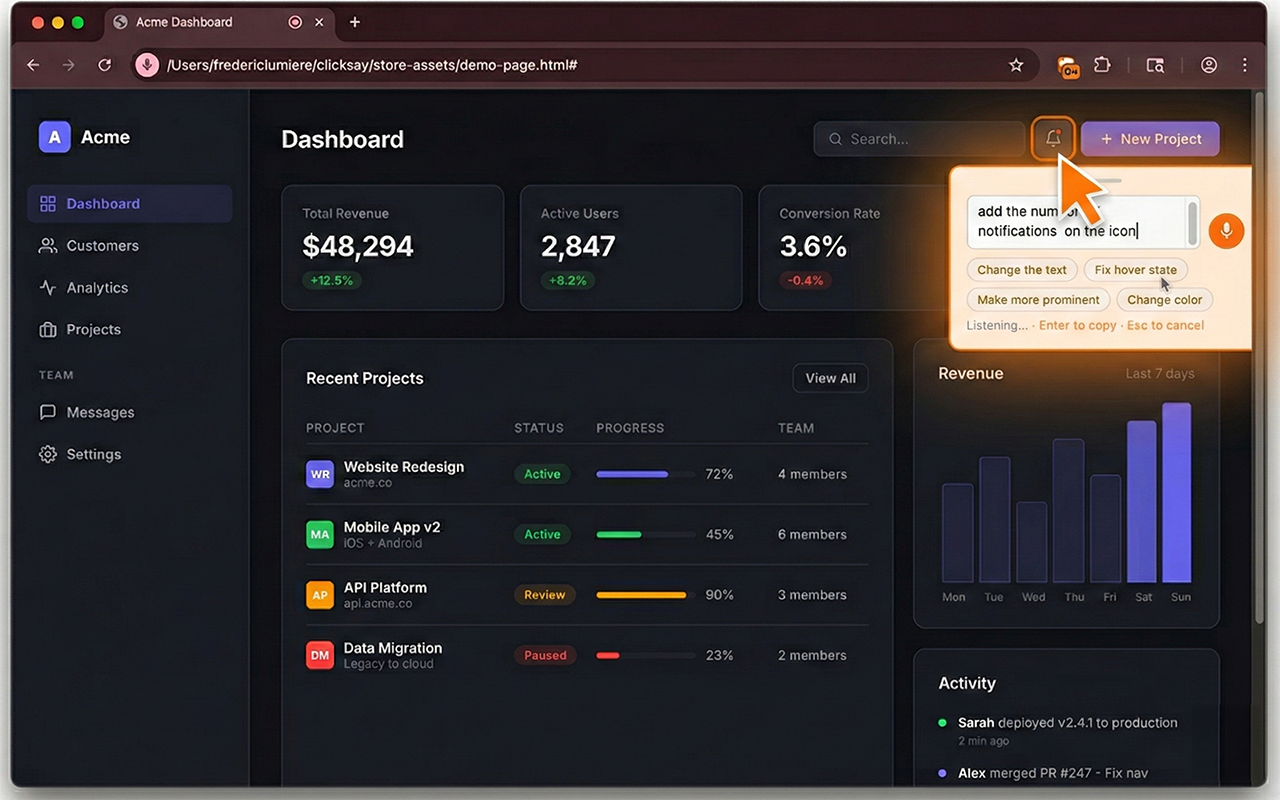 Captures selector, styles, HTML, and screenshot
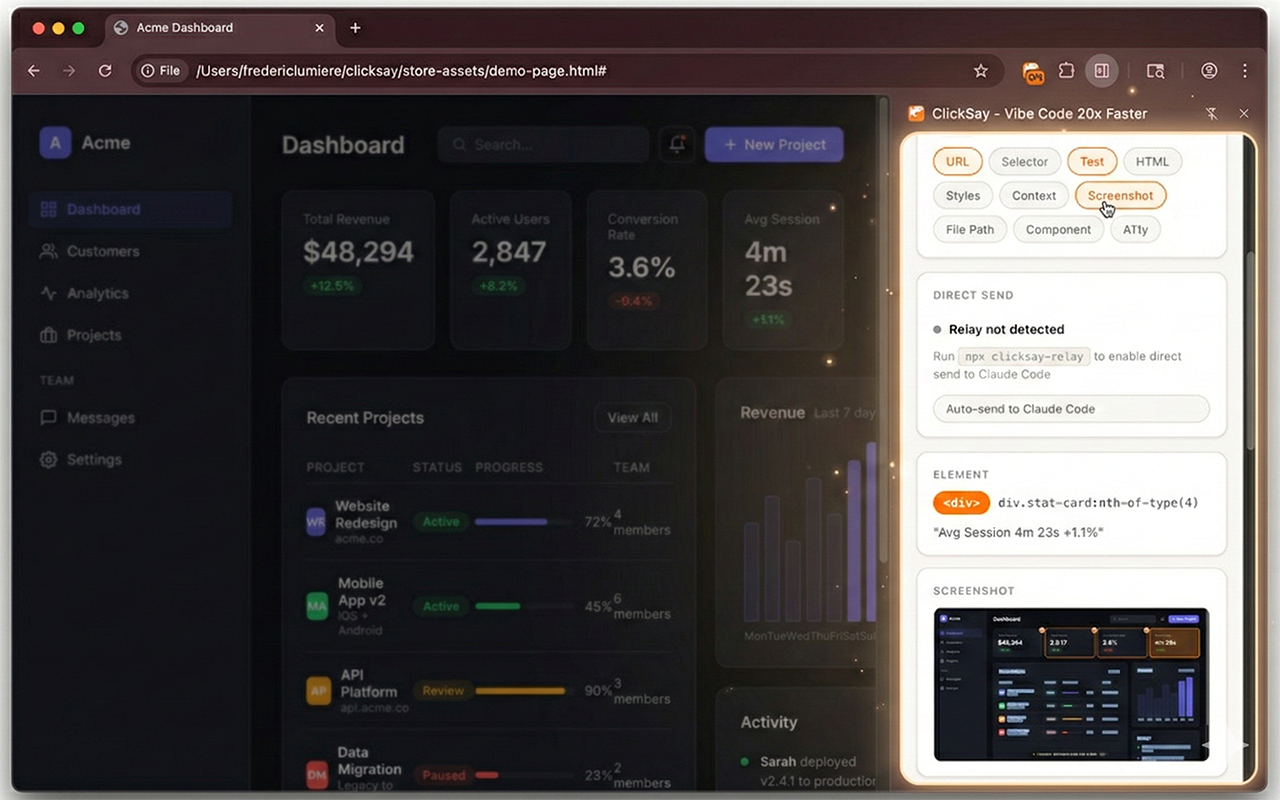 Full context organized in one place
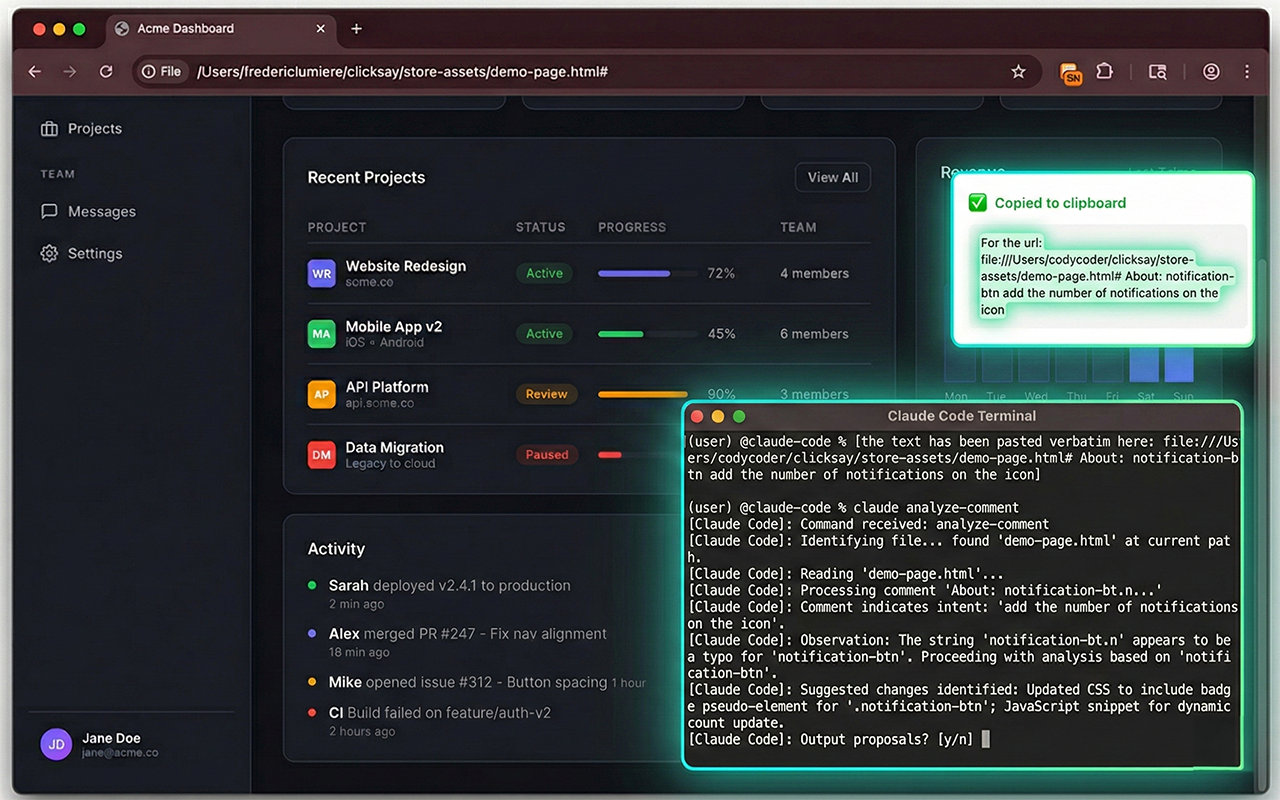 AI gets it right the first time
ClickSay captures everything your AI needs to make the right change - automatically.
Speak naturally - the mic activates on click and captures your feedback in real time. No typing, no screenshots, no copying selectors.
Optional local relay sends prompts straight to Claude Code in your terminal. Speak and the AI starts working - no paste needed.
Shift+click multiple elements, give one piece of feedback for all of them. "Fix the spacing on all these cards" - done.
Auto-identifies React, Next.js, Vue, Svelte, and Angular components. Your AI gets the component name and file path in the prompt.
Simple, Standard, Detailed, or Full - plus individual toggle pills. Control exactly what context your AI receives.
Flags WCAG contrast, alt text, ARIA, and touch target issues on every element you click. Your AI can fix a11y problems too.
Control how much context your AI gets. Toggle pills to build your own mix.
Wispr Flow turns speech into text anywhere you type. ClickSay captures the exact UI element your AI needs to make the change - selector, component, styles, and a highlighted screenshot.
| Capability | ClickSay | Wispr Flow |
|---|---|---|
| Core job | Capture a UI element plus your feedback as AI-ready context | Dictate speech into clean text anywhere you type |
| Captures the clicked element (CSS selector + HTML) | Yes | Not available |
| Detects component name + source file (React, Vue, Svelte, Angular) | ProYes, requires Pro | Not available |
| Attaches a highlighted screenshot of the element | ProYes, requires Pro | Not available |
| Feedback on multiple elements at once (Sweep mode) | ProYes, requires Pro | Not available |
| Built for AI coding tools (Claude Code, Cursor, Lovable, Bolt, Replit) | Yes | Not available |
| System-wide dictation in any app (email, docs, chat) | Not available | Yes |
| Voice languages | 20 | 100+ |
| Runs as | Chrome extension, no sign-up or login to use | Desktop and mobile app, account required |
Already use Wispr Flow? Keep it. Use Wispr for what you say, ClickSay for what you point at.
Wispr Flow and Wispr are trademarks of their respective owner. ClickSay is not affiliated with, endorsed by, or sponsored by Wispr. Comparison reflects publicly available information as of May 2026 and may change. Component detection, screenshots, and Sweep mode require ClickSay Pro.
ClickSay runs 100% locally. Your feedback, your screenshots, your data - all on your machine.
No sign-up, no login. Install and go.
Zero tracking. Zero telemetry. We don't know you exist.
Everything stored in Chrome on your device.
100% client-side. No servers, no secrets.
Vibe code 20x faster. No credit card required.
Everything you need to try ClickSay
Cancel anytime
= $3.75/mo Billed annually
Cancel anytime
See what we've shipped. Every update, every fix, every improvement.
Get notified when mobile is available.
Built for developers who vibe code with